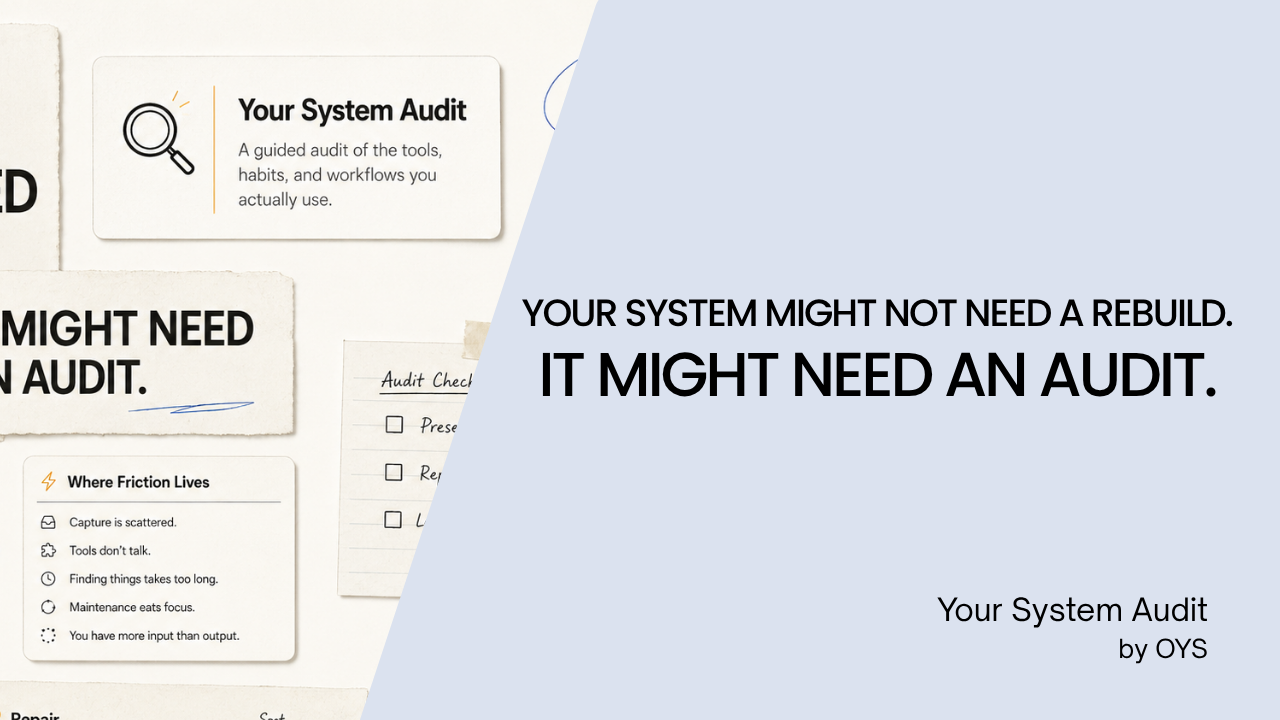
Your system might not need a rebuild. It might need an audit.
You have a notes app — Notion, Obsidian, or both. A calendar that lives in Google. A task app you have restarted more than once. Folders. A few AI tools. And several systems you tried before this one.
Some of it works. Some of it quietly creates more work, until keeping the system running becomes its own project.
Your System Audit is a guided self-audit of the tools, habits, and workflows you actually use — designed to help you see where friction has accumulated, what is already working, and what may be worth repairing first.
It looks at eight areas of your system, including:
- capture overload
- fragmentation
- retrieval friction
- maintenance tax
- cognitive overhead
- output disconnect
- switching loops
- tool dependency But this isn’t a productivity score, a personality test, or another method telling you to rebuild everything.
The goal is simpler:
Keep what works. Repair what repeatedly costs you. Leave the rest alone.
What you’ll get
After completing the Audit, you’ll receive a structured reading of your current system, including:
Your System, So Far
A snapshot of the tools, methods, and priorities you actually described.
Where Friction Lives
A reading of which parts of your system deserve attention — and which probably don’t.
What’s Already Working
Things worth preserving before you change anything.
Patterns
Meaningful combinations of friction that may explain why the same problems keep returning.
Repair
A prioritized sequence of practical changes: where to start, what could come next, and what to leave alone.
My System Principles
Portable principles you can keep even when your tools change.
You can also save your result as Markdown or PDF and return to it later.
Built for people who have already tried systems
Your System Audit may be useful if you’ve:
- accumulated more tools than you intended;
- rebuilt your productivity setup more than once;
- saved plenty of information but struggle to use it later;
- created a system that requires too much maintenance;
- wondered whether the problem is really the tool — or something underneath it. The Audit doesn’t inspect your apps or upload your answers. Your Audit responses and results are stored locally in your browser.
If you would rather start smaller, Your System Quick Test is free and takes about two minutes. Eight questions, one recognizable system type, and one place worth looking.
No perfect system. No universal setup. Just a clearer look at the one you already have.
Own Your System.
Already bought it? Open Your System Audit with the license key from your receipt.